Release 4.195.0
10 Nov 2026 · pinned package [email protected]
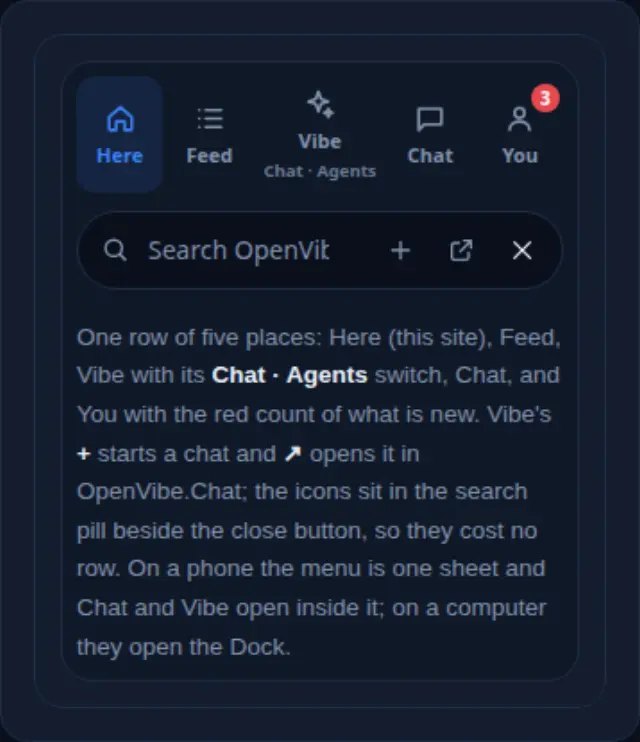
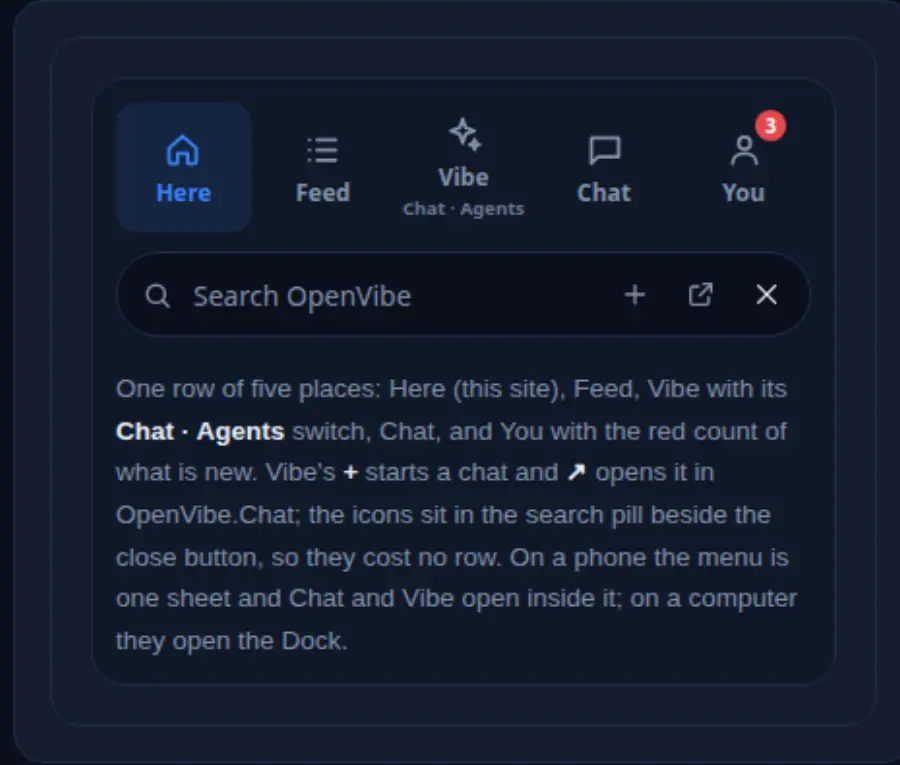
The You tab gets a row of its own, and the menu grows out of the button that was pressed. From the owner's notes of 2026-11-10.
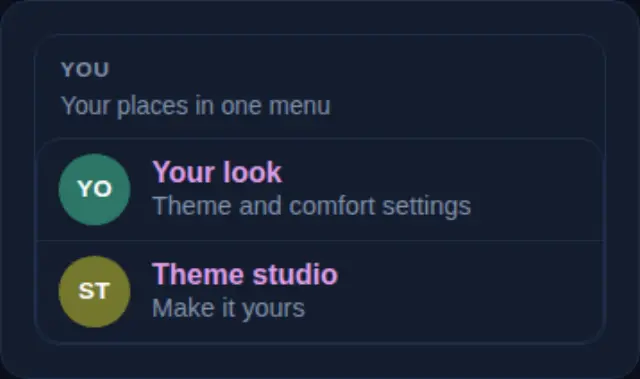
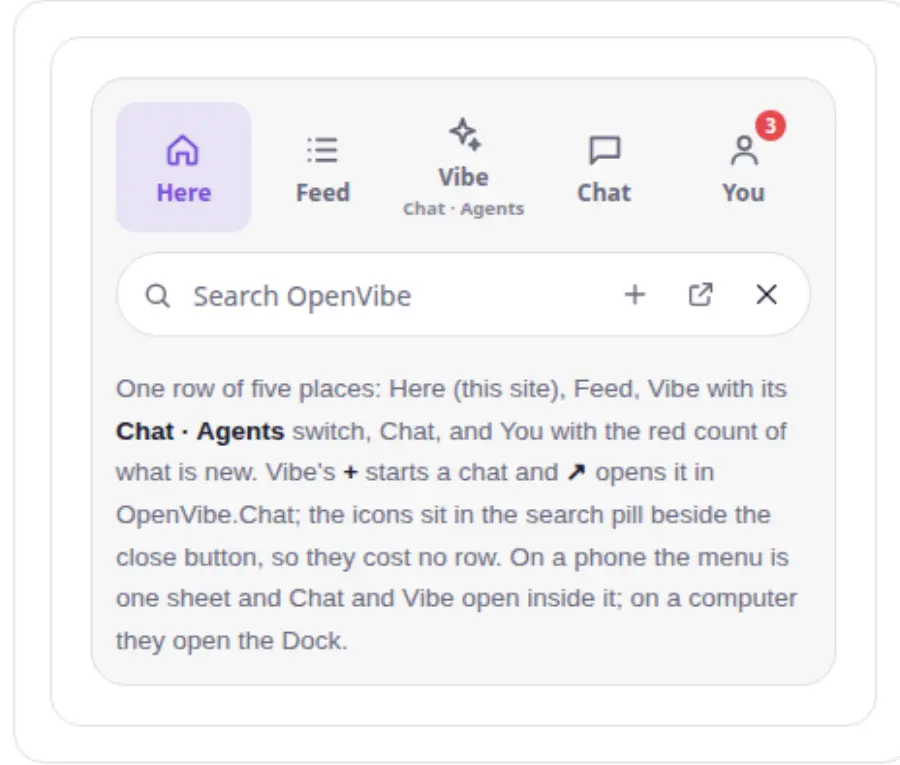
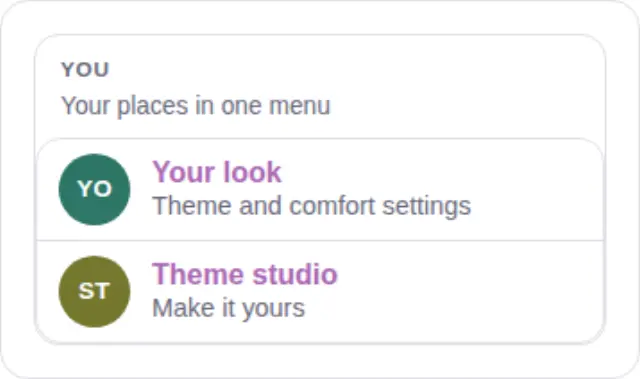
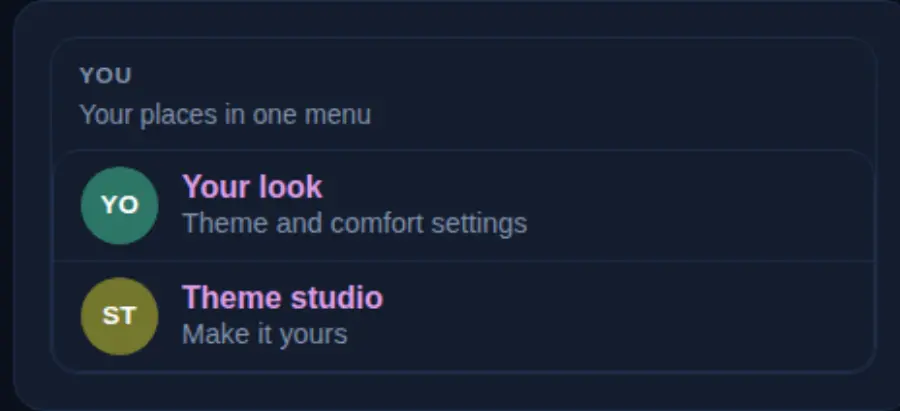
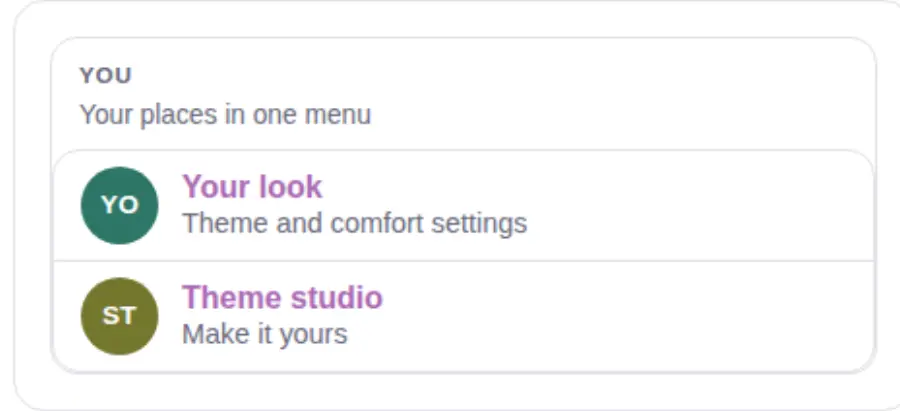
- The You tab: one slim row, and the old account block is gone from the menu. The owner, with the block crossed out: "When I said integrate the user drop down into this menu, I didn't mean like this … get rid of this thing … We didn't really need the actual [block] here, other than like adding your account … making a new design for that." The row: your face and name, add or switch account, Display, Settings, Sign out (each a full touch target, with a tooltip). Under it, small, only what has no other home in the menu: this site's own items, your status, and Admin for an admin. History, Ask Vibe, Work, the Dock and the wallet are not repeated: they are tiles, the search box, the row of places and the balances pill.
navbar.jshands the menu three small things (me: { add, out, own }) in place of its dropdown;ov-home.jsdraws the row. - The menu grows out of the pressed button ("go … to the proper element … what you clicked on, and be more aware … of positioning"). On a computer it unfolded from its left corner, though its button has been at the right since 4.193.0: its origin is now the pressed button's centre, wherever the sheet was clamped to, on the dropdown's own curve.
- Tests:
menu-home-screen-chromeandnavbar-ask-viberead the row (the old block and its grid are not in the menu);menu-places-chromechecks the sheet's origin against the pressed button.navbar.jsis under its budget.
Rules3 The button that opens it closes it.39 The account lives in the menu's You tab, not in a dropdown.36 The menu button opens on the site you are on.
Screenshots in the repo